If you enjoy taking photos, you’ve probably searched for a good editing app. Two popular choices are Hypic vs Lightroom. Both apps can improve your pictures, but they are designed for different types of users.
Some people want quick edits that look great in just a few taps. Others prefer complete control over every part of the photo. That is where these two apps are different.
In this guide, I will compare Hypic and Lightroom. By the end, you’ll know which app is a better fit for your editing style and goals.
What Is Hypic?
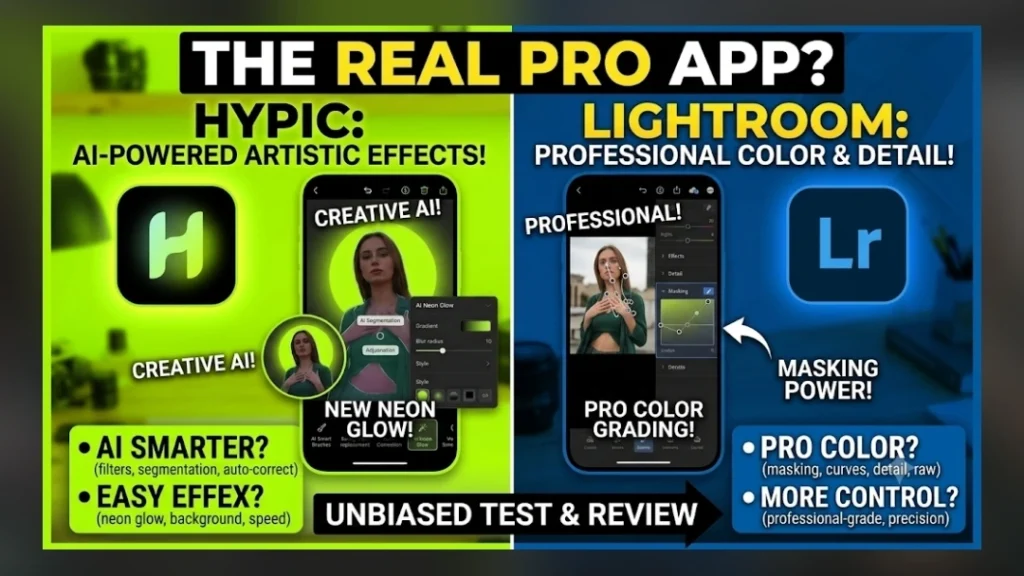
Hypic is a modern photo editing app that focuses on speed and simplicity. It uses AI-powered tools to help users improve photos without spending a lot of time editing.
Most features are easy to understand, making Hypic a great option for beginners. You can quickly enhance selfies, portraits, travel photos, and social media images with only a few taps.
The app is ideal for people who want attractive results without learning complicated editing techniques.
What Is Lightroom?
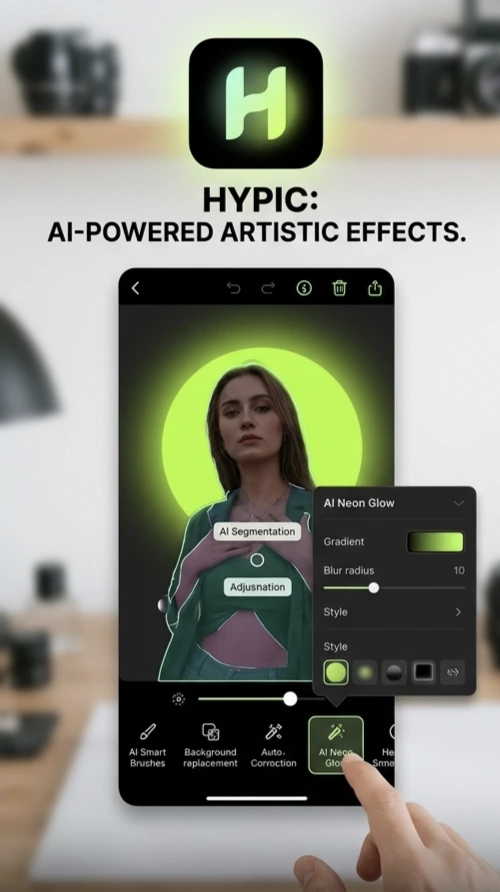
Lightroom is a photo editing app designed for users who want more control over their images. Instead of relying mainly on automatic editing, it provides detailed adjustment tools that allow you to fine-tune every part of a photo.
You can carefully adjust lighting, colors, shadows, highlights, and many other settings to match your creative vision. Because of these advanced controls, Lightroom usually takes longer to learn than Hypic.
Hypic vs Lightroom: User Interface
One of the first things you’ll notice is the difference in design.
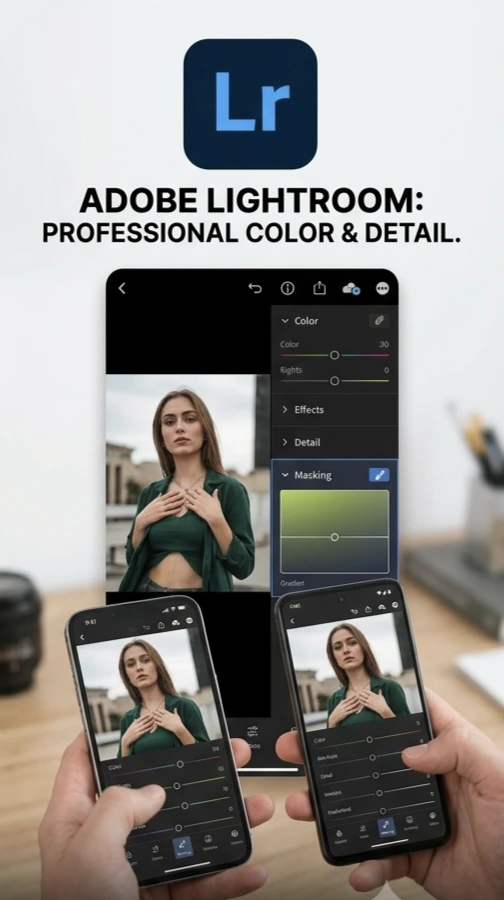
Hypic has a clean and beginner-friendly interface. Most editing tools are clearly labeled, making it easy to find what you need.
Lightroom has a more professional layout with many sliders and adjustment panels. While these tools give you greater control, they may seem confusing if you’re new to photo editing.
If you want a simple editing experience, Hypic feels easier from the start.
Hypic vs Lightroom: Learning Curve
Learning a new editing app takes time, but some apps are easier than others.
Hypic is designed so beginners can start editing almost immediately. Many improvements happen automatically through AI, reducing the need to understand technical editing terms.
Lightroom requires more practice. You’ll need to learn what each adjustment does and how different settings work together. The learning process takes longer, but it also gives you more creative freedom.
For someone editing photos for the first time, Hypic is usually the easier choice.
Hypic vs Lightroom: Editing Style
Both apps can create beautiful photos, but they approach editing differently.
Hypic focuses on quick improvements. You can brighten photos, improve portraits, remove distractions, and apply creative effects within minutes.
Lightroom focuses on precision. Instead of making automatic changes, it allows you to adjust every detail yourself.
If you enjoy complete creative control, Lightroom offers more flexibility. If you want fast results, Hypic saves time.
Hypic vs Lightroom: Portrait Editing
Portrait editing is one of the most common reasons people use editing apps.
Hypic includes AI tools that quickly improve skin tone, lighting, and facial details. Even beginners can create natural-looking portraits without much effort.
Lightroom allows you to adjust portrait colors, brightness, and contrast with much greater precision. However, achieving the perfect result often requires patience and practice.
For quick portrait edits, Hypic is easier.
For detailed portrait editing, Lightroom gives you more control.
Hypic vs Lightroom: Color Adjustment
Colors play a big role in making photos attractive.
Hypic automatically improves colors while still allowing you to make simple adjustments.
Lightroom lets you control individual colors in much more detail. You can create warm, cool, bright, or dramatic looks depending on your editing style.
If you enjoy experimenting with color, Lightroom offers more possibilities.
Hypic vs Lightroom: AI Features
Artificial intelligence has become an important part of modern editing.
Hypic places AI at the center of the editing experience. Many editing tasks happen automatically, helping users save time.
Lightroom also includes helpful editing tools, but many photographers still prefer making manual adjustments for complete control.
If convenience is your priority, Hypic has an advantage.
Hypic vs Lightroom: Speed
Editing speed is important, especially if you edit many photos.
Hypic is designed for quick editing. Most photos can be improved within a few minutes.
Lightroom usually requires more time because each adjustment is made carefully.
If you’re creating daily social media content, Hypic helps you work faster.
Hypic vs Lightroom: Best Uses
Hypic is great for:
- Selfies
- Social media photos
- Travel pictures
- Family photos
- Quick edits
- AI-powered enhancements
Lightroom is great for:
- Professional photography
- Landscape editing
- Color correction
- Product photography
- Detailed editing
- Creative projects
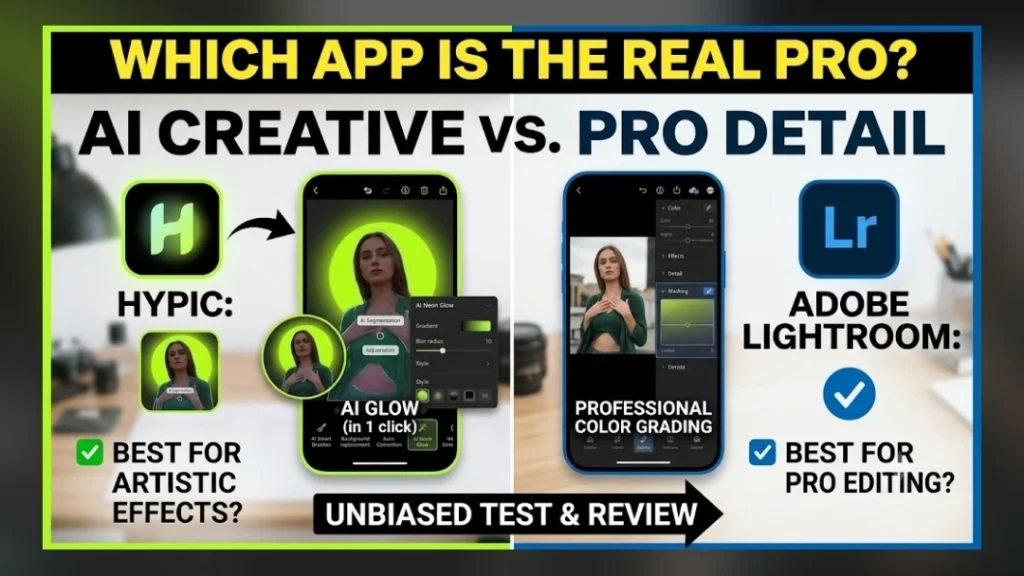
Both apps perform well, but they serve different purposes.
Hypic vs Lightroom: Pros and Cons
Hypic
Pros
- Easy for beginners
- Fast editing
- Clean interface
- AI-powered tools
- Quick learning process
- Excellent for social media
Cons
- Fewer manual controls
- Less suitable for highly detailed editing
Lightroom
Pros
- Powerful editing controls
- Excellent color adjustments
- Professional editing tools
- High creative flexibility
- Suitable for advanced users
Cons
- Takes longer to learn
- More complex interface
- Editing process can be slower
Which App Should Beginners Choose?
If you’ve never edited photos before, Hypic is the easier choice.
Its AI tools help you create beautiful photos without needing technical knowledge.
As your editing skills improve, you may decide to learn Lightroom to gain more control over your images.
Many editors begin with Hypic because it builds confidence before moving on to more advanced editing.
Can You Use Both Apps?
Yes. Many creators use both apps because they serve different purposes.
For example:
- Use Hypic to quickly improve a portrait.
- Open the edited image in Lightroom for detailed color adjustments.
- Save the final version for social media or professional use.
Combining both apps gives you speed and creative control.
FAQ’s
Is Hypic easier than Lightroom?
Yes. Hypic is designed for beginners and uses AI to simplify the editing process.
Which app is better for social media?
Hypic is an excellent choice for creating attractive social media photos quickly.
Which app is better for professional photography?
Lightroom offers more advanced editing tools, making it a better option for photographers who want detailed control.
Can beginners learn Lightroom?
Yes. It may take more time to understand, but regular practice makes it easier.
Should I learn both apps?
If you’re serious about photo editing, learning both apps can improve your skills and give you more editing options.
1 thought on “Hypic vs Lightroom: Which Photo Editing App Is Better for You?”