Creating content for social media takes more than just taking a good photo or recording a short video. The way your content looks plays a big role in getting people’s attention. A clean design, attractive colours, and a professional layout can make your posts stand out from thousands of others.
This is where Hypic templates become useful. Instead of designing everything from the beginning, you can start with a ready-made layout and customize it to match your style. Templates help save time, improve consistency, and make your content look more polished.
Whether you’re creating Instagram posts, YouTube thumbnails, or short Reels, Hypic templates can make the editing process much easier. In this guide, you’ll learn how to use templates, choose the right design, and create content that looks attractive and professional.
What are Hypic templates?
A template is a pre-designed layout that helps you create content faster. Instead of arranging text, colors, and effects from scratch, you start with a design and personalize it.
Think of a template as a starting point. You can change almost everything to make it fit your own style.
With Hypic templates, you can customize the following:
- Photos
- Text
- Fonts
- Colors
- Filters
- Backgrounds
- Stickers
- Effects
This flexibility allows you to create unique designs while saving time.
Why Use Templates?
Many beginners spend a lot of time trying to decide where to place text or which colors to use. Templates solve this problem by providing a balanced layout from the start.
Some benefits include:
- Faster editing
- Professional-looking designs
- Consistent branding
- Easy customization
- Better visual appeal
- Less time spent designing
Using templates also helps maintain a consistent look across all your social media platforms.
Instagram Templates
Instagram is one of the best places to share creative photos and graphics. Since users scroll quickly through their feeds, attractive designs are important.
Hypic templates can help you create the following:
- Photo posts
- Inspirational quotes
- Product promotions
- Travel pictures
- Fashion posts
- Food photography
- Event announcements
- Personal branding content
Choose templates with clean layouts and enough space for your message. Avoid overcrowding your design with too many elements.
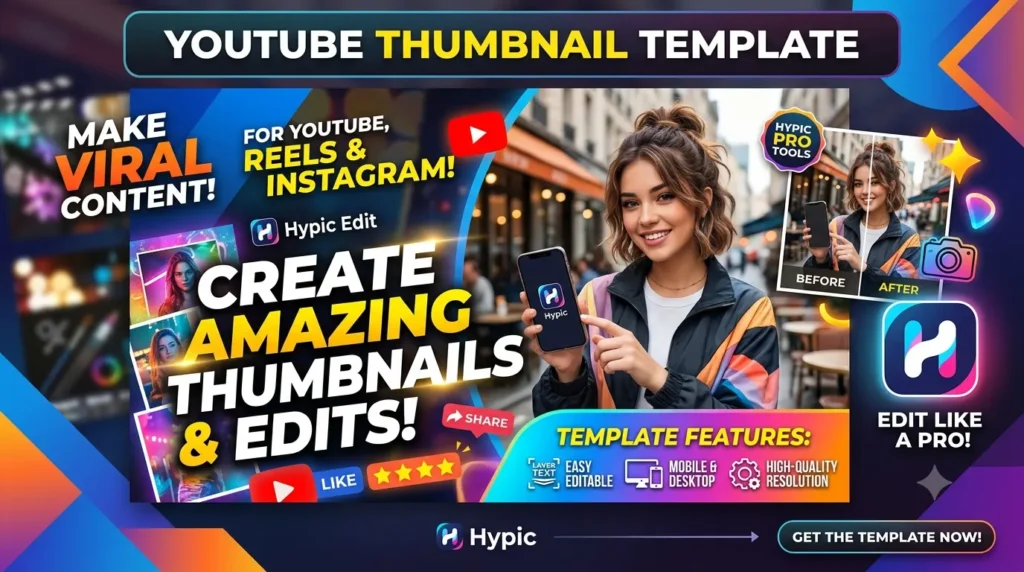
YouTube Thumbnail Templates
A YouTube thumbnail is often the first thing viewers notice. A clear and eye-catching thumbnail can encourage more people to click on your video.
When creating thumbnails with Hypic templates:
- Use large, readable text.
- Keep the background simple.
- Highlight the main subject.
- Use bright colors carefully.
- Leave enough empty space.
A good thumbnail should communicate the topic clearly without looking too busy.
Reels Templates
Short videos are becoming more popular every year. Reels give creators a chance to reach new audiences with engaging content.
Hypic templates can help you create attractive visuals for the following:
- Fashion videos
- Travel clips
- Fitness content
- Cooking tutorials
- Daily vlogs
- Beauty content
- Educational videos
Choose templates that support movement and keep important elements centered so they remain visible on different devices.
How to Choose the Right Template
Not every template works for every project.
Before selecting one, ask yourself:
- Who is my audience?
- What message am I sharing?
- Which colors match my style?
- Do I need text?
- Is the layout simple enough?
A template should support your content rather than distract from it.
Customize Every Template
One common mistake beginners make is using templates without changing anything.
Instead, personalize every design by updating:
- Your own photos
- Brand colors
- Fonts
- Text
- Logo
- Icons
Even small changes can make your content feel original and unique.
Keep Your Brand Consistent
If you’re creating content regularly, consistency is important.
Try to use:
- Similar colors
- The same font style
- Matching filters
- Consistent spacing
- A recognizable editing style
This helps your audience identify your content instantly.
Best Design Tips
Professional-looking content doesn’t always require complicated editing.
Keep these simple tips in mind:
- Use high-quality images.
- Leave enough white space.
- Keep text short.
- Choose readable fonts.
- Limit the number of colors.
- Focus on one main subject.
- Avoid adding too many stickers.
Simple designs often have the greatest impact.
Mistakes to Avoid
Many beginners accidentally reduce the quality of their designs.
Avoid these common mistakes:
- Using blurry photos
- Adding too much text
- Choosing difficult-to-read fonts
- Mixing too many colors
- Filling every empty space
- Overusing effects and filters
Clean and balanced designs usually perform better than crowded ones.
Editing Workflow
A simple editing process can help you work more efficiently.
- Select your template.
- Replace the sample image with your own.
- Edit colors if needed.
- Add your text.
- Adjust spacing.
- Apply light effects.
- Review the final design.
- Export in high quality.
Following the same workflow each time helps save time and improve consistency.
Tips for Better Instagram Posts
When designing Instagram content:
- Use square or vertical layouts.
- Keep captions separate from the image.
- Leave space around important elements.
- Make the subject easy to see.
A clean design encourages viewers to stop scrolling.
Tips for Better YouTube Thumbnails
Your thumbnail should explain your video at a glance.
Use:
- One main image
- Large headline text
- Bright contrast
- Clear facial expressions when appropriate
- Limited design elements
Avoid making your thumbnail too complicated.
Tips for Better Reels
Reels are viewed on mobile devices, so keep everything easy to read.
Remember to:
- Place text near the center.
- Use vertical layouts.
- Keep animations smooth.
- Avoid covering important details.
Always preview your design before posting.
FAQ’s
Are Hypic templates good for beginners?
Yes. Templates make editing much easier because the basic layout is already prepared. Beginners only need to customize the design.
Can I use one template for different platforms?
Yes. Many templates can be adjusted for Instagram, YouTube, or Reels by changing the size and layout.
Should I edit every template?
Yes. Personalizing colors, text, and images helps your content look original instead of generic.
How can I make my content look professional?
Use high-quality photos, simple layouts, readable fonts, and consistent colors. Small improvements often create the biggest difference.
Do I need design experience?
No. Templates are designed to help beginners create attractive content without advanced graphic design skills.