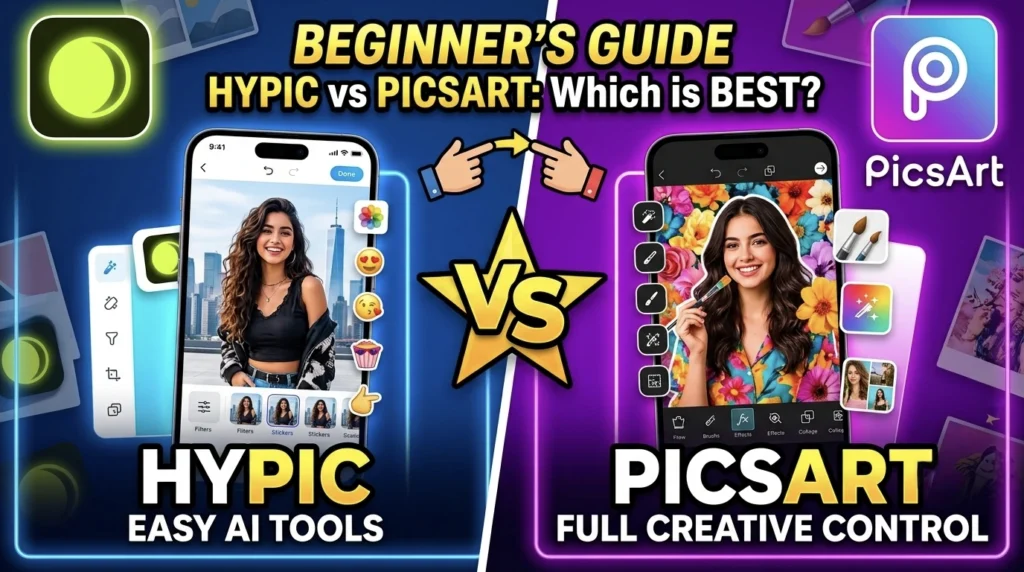
Choosing the right photo editing app can be confusing because there are so many options available. Two of the most popular apps are Hypic vs PicsArt. Both can help you create beautiful photos, social media posts, and creative designs, but they are made for different types of users.
I have used both apps for different editing projects, and each one has its own strengths. If you are a beginner, you may wonder which app is easier to learn. If you already have some editing experience, you might want to know which app offers more creative tools.
In this guide, I will compare Hypic and Picsart. This article is based on apps and practical editing experience. By the end, you’ll have a better idea of which app is the right choice for your editing style.
What Is Hypic?
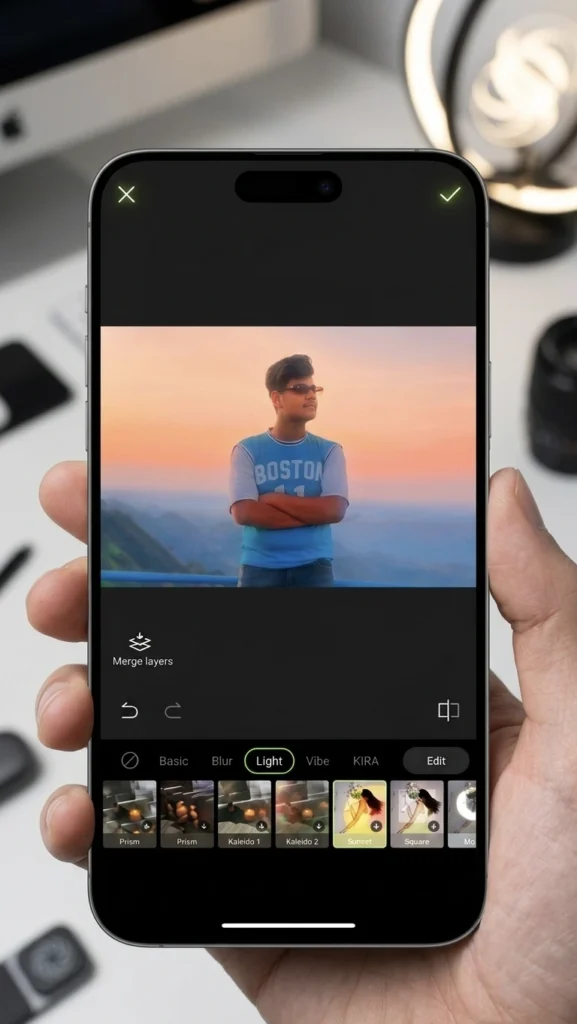
Hypic is a modern photo editing app that focuses on simple editing with AI-powered tools. It is designed for users who want fast and attractive results without spending hours learning professional editing techniques.
Most editing tools are easy to understand, making the app a good choice for beginners. If your goal is to improve selfies, portraits, or social media photos quickly, Hypic makes the process simple.
What Is PicsArt?
PicsArt has been one of the most popular mobile editing apps for many years. It offers a large collection of editing tools, stickers, brushes, text styles, and creative effects.
Unlike Hypic, PicsArt gives users more manual control. This means you can create highly customized edits, but it may take more time to learn.
If you enjoy experimenting with different editing styles, PicsArt gives you many creative options.
Hypic vs PicsArt: User Interface
One of the biggest differences between these apps is their interface.
Hypic has a clean and simple layout. Most tools are easy to find, and new users can begin editing almost immediately. The app feels modern and organized.
PicsArt includes many more editing options on the screen. While this gives you more creative freedom, it can also feel overwhelming if you’re editing for the first time. If you prefer a simple experience, Hypic is easier to navigate.
Hypic vs PicsArt: Learning Curve
Every beginner wants an app that is easy to learn.
Hypic focuses on quick editing. Most AI features work with only a few taps, so you can improve your photos without understanding advanced editing techniques.
PicsArt takes more time to master because it includes many creative tools and manual adjustments. The extra learning time can be worth it if you want greater control over your edits.
If you’re completely new to photo editing, Hypic is usually the easier starting point.
Hypic vs PicsArt: Editing Features
Both apps include many useful editing tools.
With Hypic, you can:
- Improve lighting
- Enhance portraits
- Remove backgrounds
- Apply AI effects
- Adjust colors
- Add filters
- Create attractive social media photos
With PicsArt, you can:
- Edit photos manually
- Create collages
- Add stickers
- Draw with brushes
- Add creative text
- Blend multiple images
- Design posters and graphics
Hypic focuses on fast results, while PicsArt gives you more creative control.
Hypic vs PicsArt: AI Editing
Artificial intelligence has changed the way people edit photos.
Hypic places AI at the center of the editing experience. Many improvements happen automatically, helping beginners create professional-looking images in less time.
PicsArt also includes AI tools, but many users still prefer using its manual editing options to achieve a personalized style.
If you enjoy one-tap editing, Hypic feels more beginner-friendly.
Portrait Editing
Portrait editing is one of the most common reasons people use photo editing apps.
Hypic makes portrait editing simple by helping users improve skin tone, lighting, and facial details with minimal effort.
PicsArt allows users to edit portraits in more detail. You can make precise adjustments, but it usually requires more time and practice.
For quick portrait edits, Hypic is the easier choice.
Hypic vs PicsArt: Creative Design
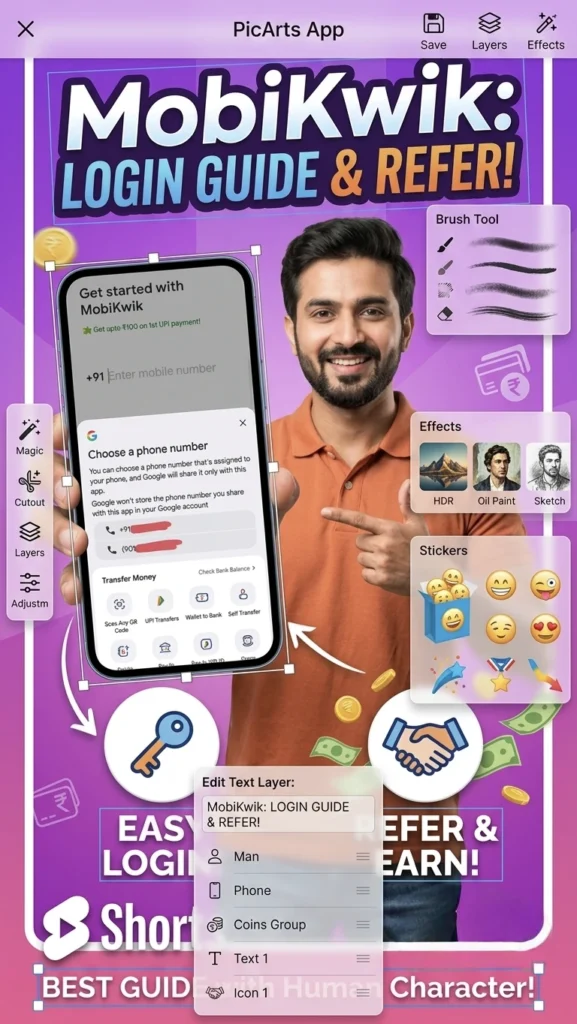
If your goal is to create YouTube thumbnails, posters, invitations, or social media graphics, PicsArt offers more design tools.
Its large collection of stickers, fonts, and artistic effects gives users more creative freedom.
Hypic is better suited for improving photographs rather than building detailed graphic designs from scratch.
Hypic vs PicsArt: Performance
A good editing app should work smoothly.
Hypic generally feels fast because most editing tasks are completed with AI assistance.
PicsArt can feel slightly more demanding when working on large projects with many layers and effects.
If you mainly edit photos instead of creating complex designs, Hypic offers a faster editing experience.
Which App Is Better for Beginners?
If you’re editing photos for the first time, Hypic is easier to learn.
Its simple interface and AI-powered tools reduce the need for advanced editing knowledge.
PicsArt is better for users who enjoy experimenting and want to learn more detailed editing techniques over time.
Which App Is Better for Social Media?
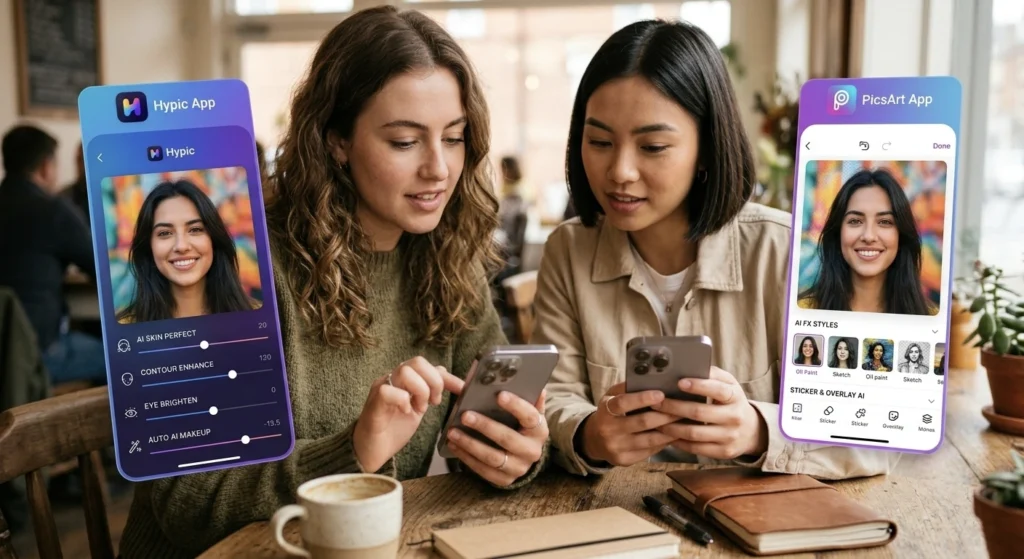
Both apps can create beautiful content for social media.
Hypic is excellent for
- Selfies
- Instagram photos
- Facebook posts
- Profile pictures
- Lifestyle photography
PicsArt is great for:
- YouTube thumbnails
- Posters
- Promotional graphics
- Memes
- Creative designs
Your choice depends on the type of content you create.
Hypic vs PicsArt: Pros and Cons
Hypic
Pros
- Beginner-friendly
- Clean interface
- Fast AI editing
- Simple workflow
- Great for portraits
- Quick learning process
Cons
- Fewer manual editing options
- Less suitable for advanced graphic design
PicsArt
Pros
- More creative tools
- Large collection of stickers and fonts
- Better for graphic design
- Flexible editing options
Cons
- Takes longer to learn
- The interface can feel crowded
- Beginners may find it confusing at first
My Recommendation
If your main goal is to edit photos quickly and create attractive social media images, Hypic is a great place to start. Its AI tools save time and help beginners achieve impressive results without much effort.
If you enjoy experimenting, creating posters, adding artistic effects, or designing thumbnails, PicsArt offers more creative freedom once you become familiar with its tools.
Many experienced editors actually use both apps together. They may enhance a photo in Hypic and then finish the design in PicsArt. Learning both apps can give you more flexibility for different projects.
Hypic vs PicsArt: FAQ’s
Is Hypic easier than PicsArt?
Yes. Hypic has a simpler interface and relies on AI tools, making it easier for beginners to learn.
Which app is better for portrait editing?
Both apps can edit portraits, but Hypic is faster for simple portrait improvements, while PicsArt offers more manual control.
Which app is better for YouTube thumbnails?
PicsArt provides more design tools, making it a better choice for creating detailed thumbnails and promotional graphics.
Can I use both apps together?
Yes. Many editors use Hypic for AI photo enhancement and PicsArt for adding text, stickers, and final design elements.
Which app should I learn first?
If you’re new to photo editing, start with Hypic. Once you’re comfortable with basic editing, learning PicsArt will help you expand your creative skills.
8 Best Alternatives to Hypic App
2 thoughts on “Hypic vs PicsArt: Which Photo Editing App Is Better for Beginners in 2026?”